
Case studies / Computer vision inspection
Computer vision inspection for PCBAs and LED lighting
One universal inspection software that we configure for each product. It compares what the camera sees with a good reference, marks every wrong, missing or dead part in red, and passes the result on to the line.
Talk to the founder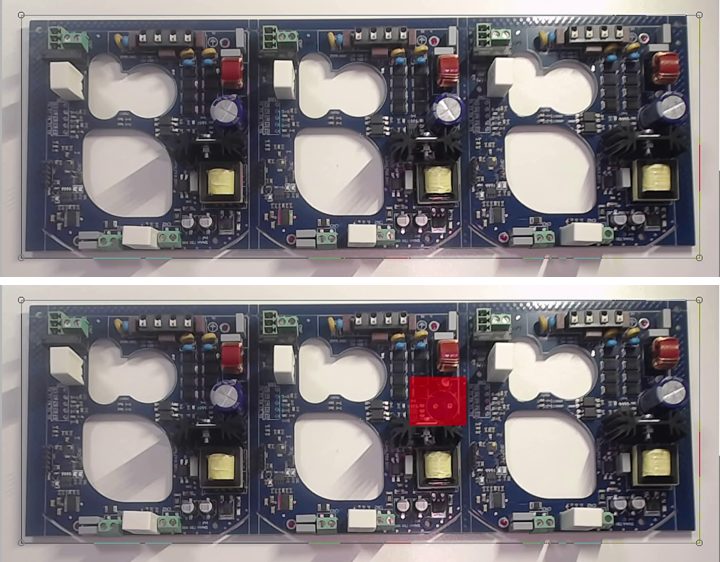
The challenge
A wrong, missing or turned component, or a dead LED, can hide in plain sight. A person checking by eye gets tired, and every product looks different, so a fixed inspection machine needs new work for each new part.
Manufacturers need a check that is fast, the same every time, and quick to set up for a new product.
Our solution
We built universal inspection software in LabVIEW with NI Vision. The user configures it for a particular part, whether a PCBA, a lamp or an electro-mechanical product, so a new product needs a new configuration and not new programming.
It is used by partners in PCBA manufacturing, LED lighting manufacturing and the automotive sector.
How it works
- 1. Teach a good part
The user shows the software a good part and sets up the regions to check and the tolerances. This is the reference, and it is saved with the configuration for the product.
- 2. Capture
A camera takes an image of every part, with controlled lighting and an external trigger when the line needs it.
- 3. Compare
The software compares the live image with the reference and finds the differences: a missing component, a wrong one, a shifted or turned one, or an LED that does not light.
- 4. Mark and decide
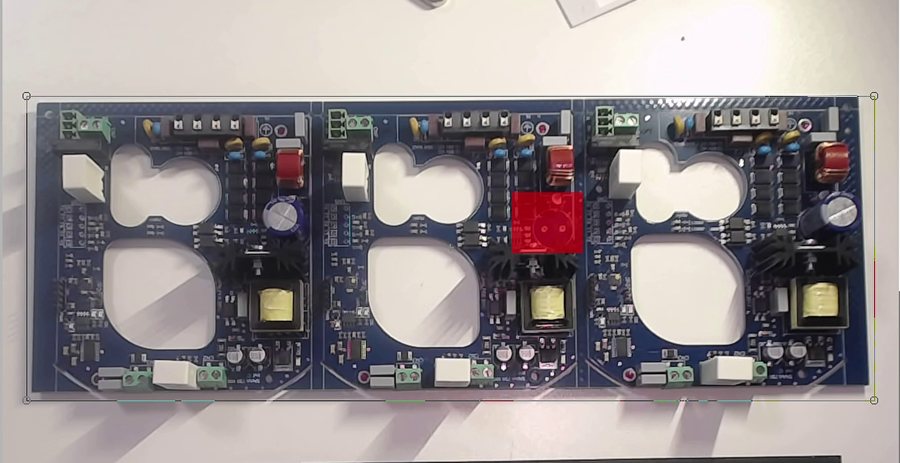
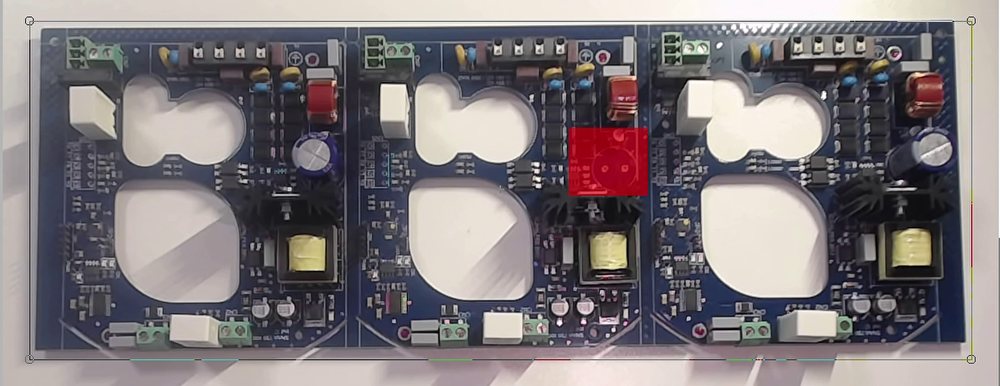
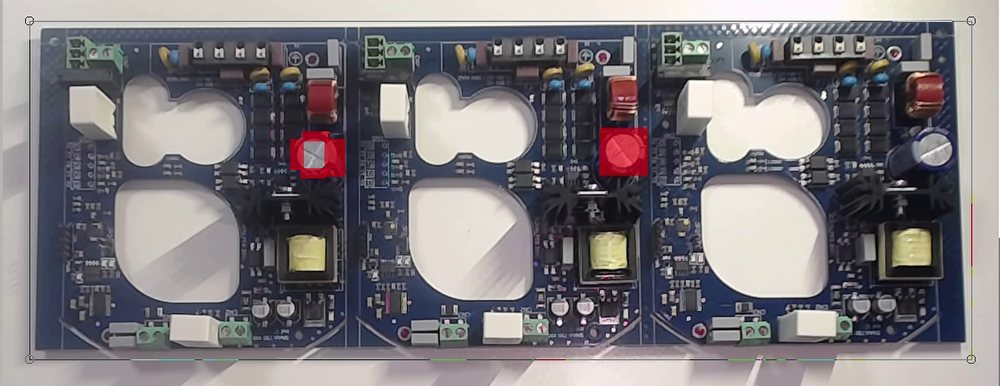
Every difference is marked in red on the image, so the operator sees at once what is wrong, and the part is passed or failed.
- 5. Report
The result is shown, saved and exported, for example to Excel, and sent to the server. It can also print a label for the part.
Finding the wrong component
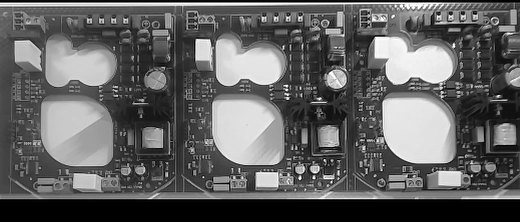
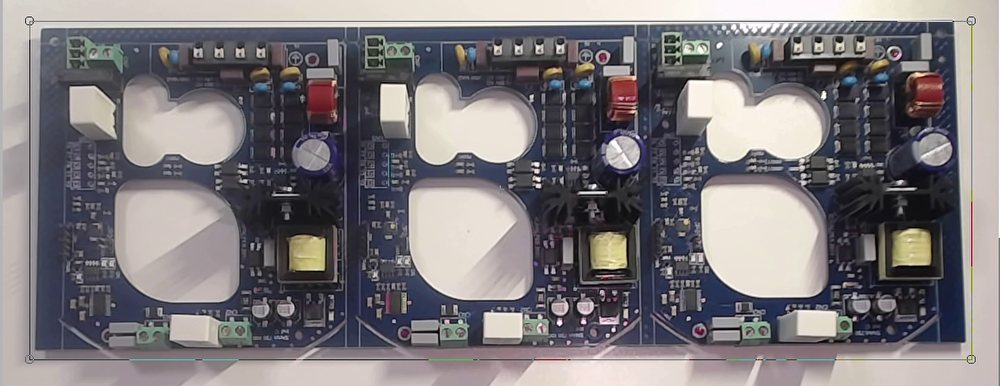
This is the application during a demonstration on a panel of three identical boards. The software compares the live image with the reference and marks every difference in red.
Case: testing LED street lights
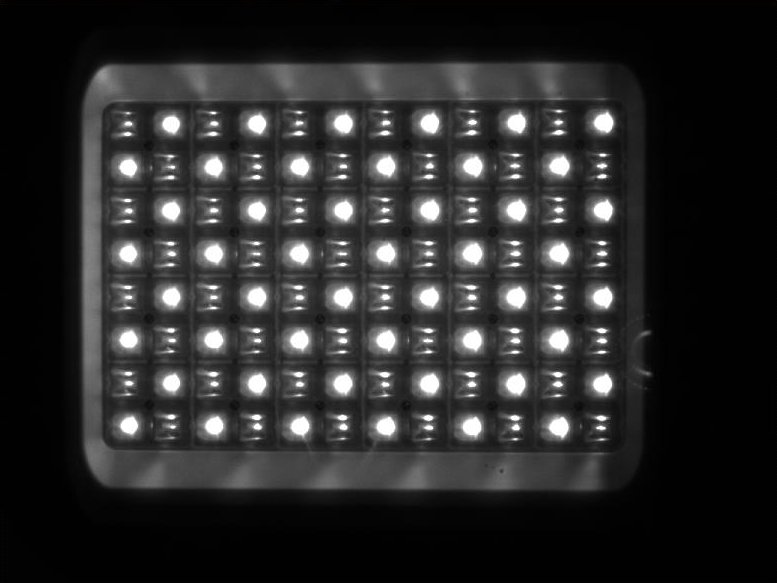
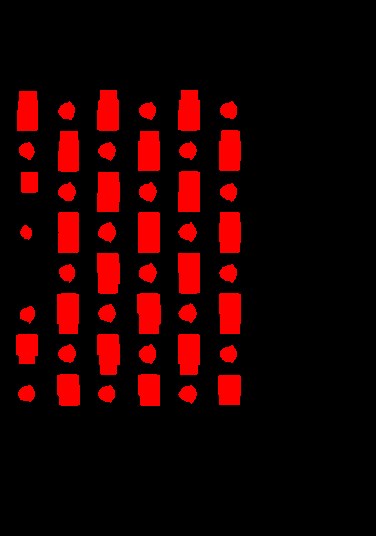
For an LED lighting manufacturer we built a complete test cell, first delivered in 2014. The camera looks at the lit luminaire and the software counts the working LEDs, then a spectrometer measures the light and the software compares it with the limits.
The same application handles three families of luminaires and about 60 models. It also talks to a label printer and to the server, and saves every result.
One test, from switch-on to label
- Switch on
The operator switches the luminaire on, and the software notices by itself.
- Warm up
It waits for the luminaire to reach its working temperature, with a countdown on the screen.
- Count and measure
The camera counts the working LEDs. Then the spectrometer measures the light, such as colour and luminosity, and everything is checked against the limits.
- Confirm and print
The operator confirms the result, and a label with the serial number is printed. A failed test prints a failure label with the measured values.
- Switch off
When the luminaire is switched off, the software is ready for the next one.
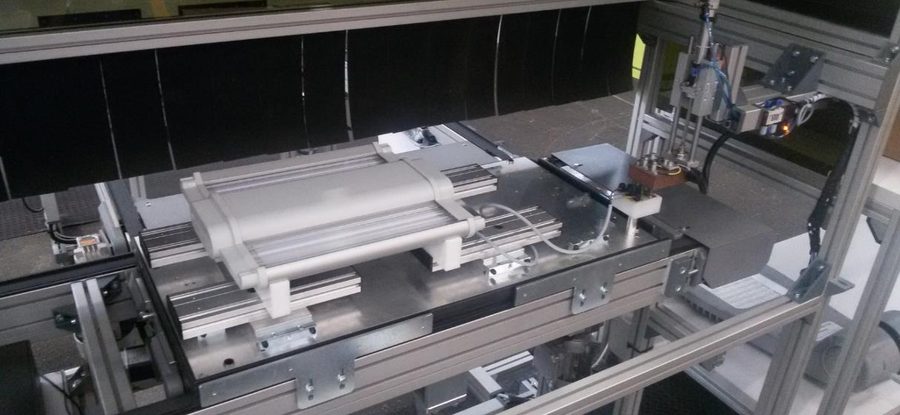
A reference luminaire sits beside the cell. The software measures it at any time to prove that the camera, the spectrometer and the settings are still correct, and it reports a calibration problem, for example when something is blocking the camera.
Later we extended the same platform with checks for the lit surface: bright and dark spots, the uniformity of the light, and masks that skip logos and labels.
Light on hardware
The software uses industrial GigE cameras with lenses of adjustable focus and aperture. A 5 megapixel camera at about 10 frames per second is enough for many parts, and a 24 megapixel camera reads the finest details.
It runs on an ordinary Windows PC. In the LED project, two cameras and the whole application used only about 15 to 25 percent of a basic PC, and many more cameras can be connected over the network.
Windows or real-time
The software is developed in LabVIEW and delivered as an executable for Windows. It can also be built for real-time targets, so it can run inside a controller on a real-time operating system.
It combines naturally with our testers, so one station can do electrical tests and vision checks together.
What the customer gets
One software, many products
A new part needs a new configuration, not new programming.
Same result every time
No tired eyes: every part is checked in the same way.
Errors you can see
Differences are marked in red on the image, so a repair starts in the right place.
Integrated with the line
Results go to the screen, to Excel, to the server and to the label printer.
Proven in production
Used for PCBAs, LED lighting and automotive parts.
Scalable
From one camera on a bench to many cameras on a line.