What we do / LabVIEW
LabVIEW development, code review and training
Advanced LabVIEW systems for the desktop, for real-time controllers and for FPGAs, by a developer who has used LabVIEW every day since 2013 and has been an NI Certified Professional Instructor since 2017.
Talk to the founder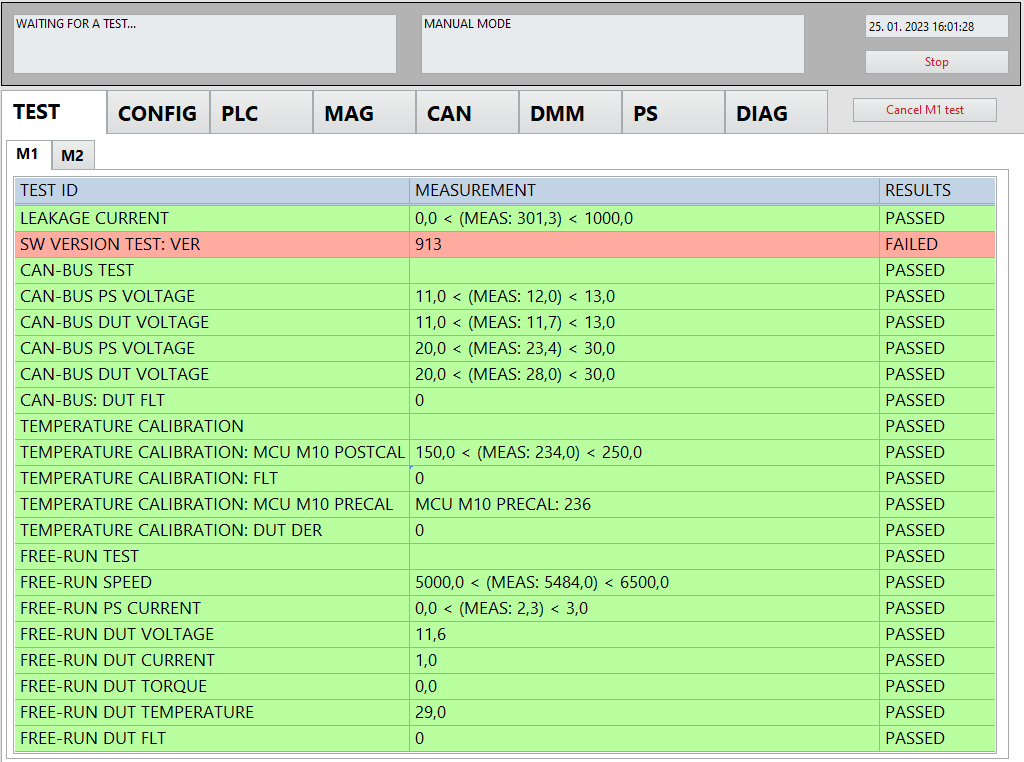
LabVIEW and its ecosystem
LabVIEW is a graphical programming language from NI, first released in 1986, and it has become one of the main tools for measurement, test and control. A program is drawn as a diagram of data flowing between blocks, so it is parallel by nature and easy to follow, for those who know how to keep it tidy.
Its strength is the ecosystem around it. The same language runs on a Windows desktop, on a real-time operating system and on FPGA chips, and drivers exist for thousands of instruments, buses and cameras. A system can grow from a bench setup to a full production line without changing the tool.
LabVIEW at ni.com (opens the NI website)
Where it is used
LabVIEW with NI PXI and CompactRIO hardware runs in advanced installations all around the world: automotive and aerospace test benches, semiconductor and electronics production, energy, research laboratories and railway systems.
In high-volume production the same platform tests parts in seconds, collects data from many instruments at once, and talks to PLCs, databases and ERP systems. Real-time and FPGA targets add deterministic control and acquisition at speeds that a regular PC or PLC cannot reach.
What I offer
Development
Complex applications on desktop, real-time and FPGA, with clear architectures that other developers can read, extend and maintain. Instruments, CAN, PLCs, cameras and databases connected into one application.
Code review and optimisation
I read your code, find the slow parts, the hidden races and the places that make changes risky, and show how to fix them. The result is a faster, more reliable and easier to maintain application. I also give expert opinions, for example for court cases.
Training and education
Trainings by an NI Certified Professional Instructor, with experience in teaching through the NI network and in educating customers’ own engineers, from good habits for beginners to advanced architectures.
Experience, every day since 2013
LabVIEW is not a side skill for me, it is my daily tool. Since 2013 I have designed, built and debugged LabVIEW systems for customers around the world, from test benches to railway control.
Besides building systems I teach: I have trained engineers within the NI training network and through trainings for individual customers, and I regularly review other teams’ code. Seeing many different code bases is what makes a review quick and useful.
I am an NI Certified Professional Instructor, and I use that knowledge for the harder jobs: performance problems, architectures that have outgrown their first design, and systems that must run for years without attention.
The person who teaches the course also writes the production code, so what I teach is what I use.
Screens from real projects
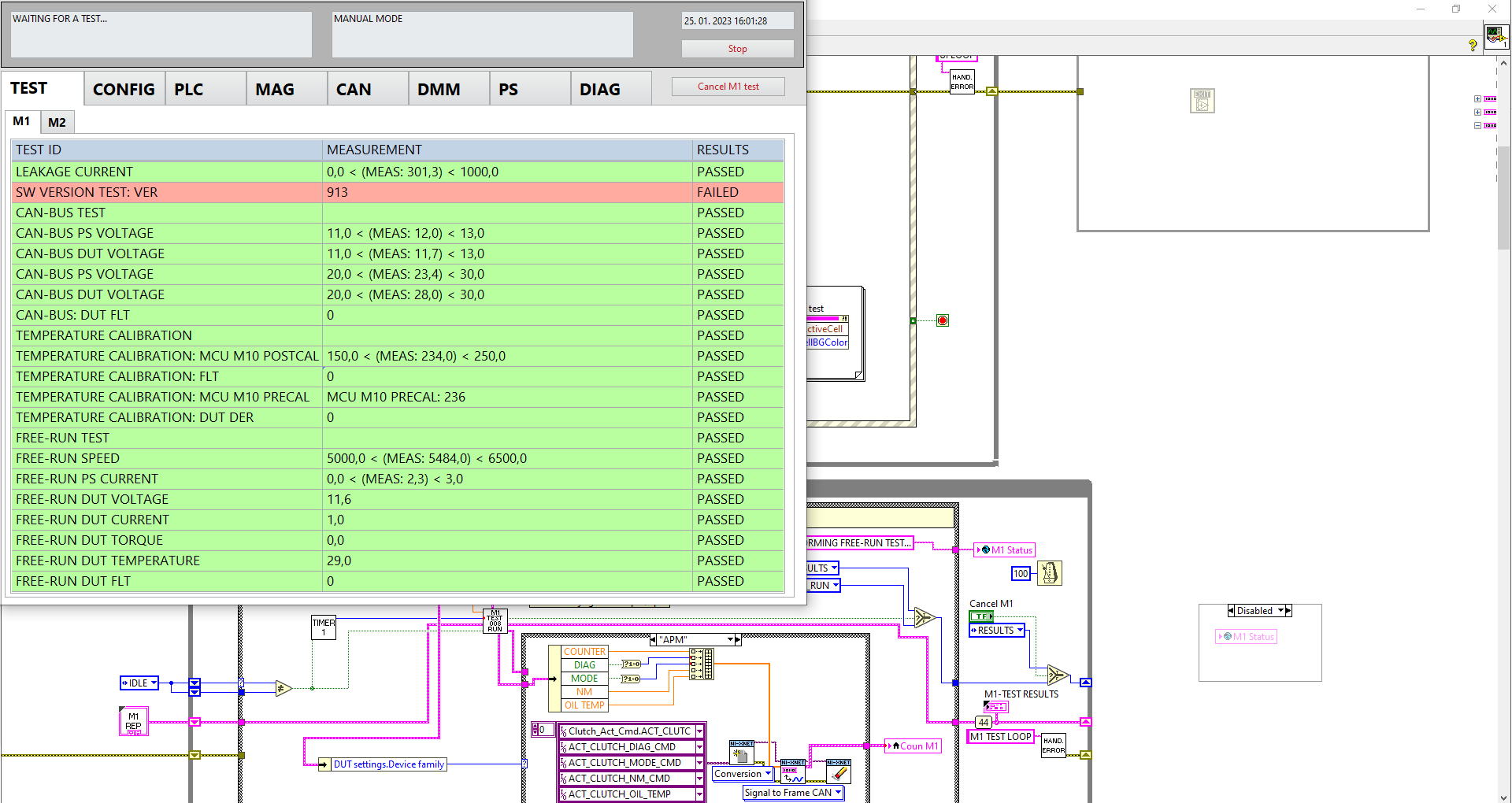
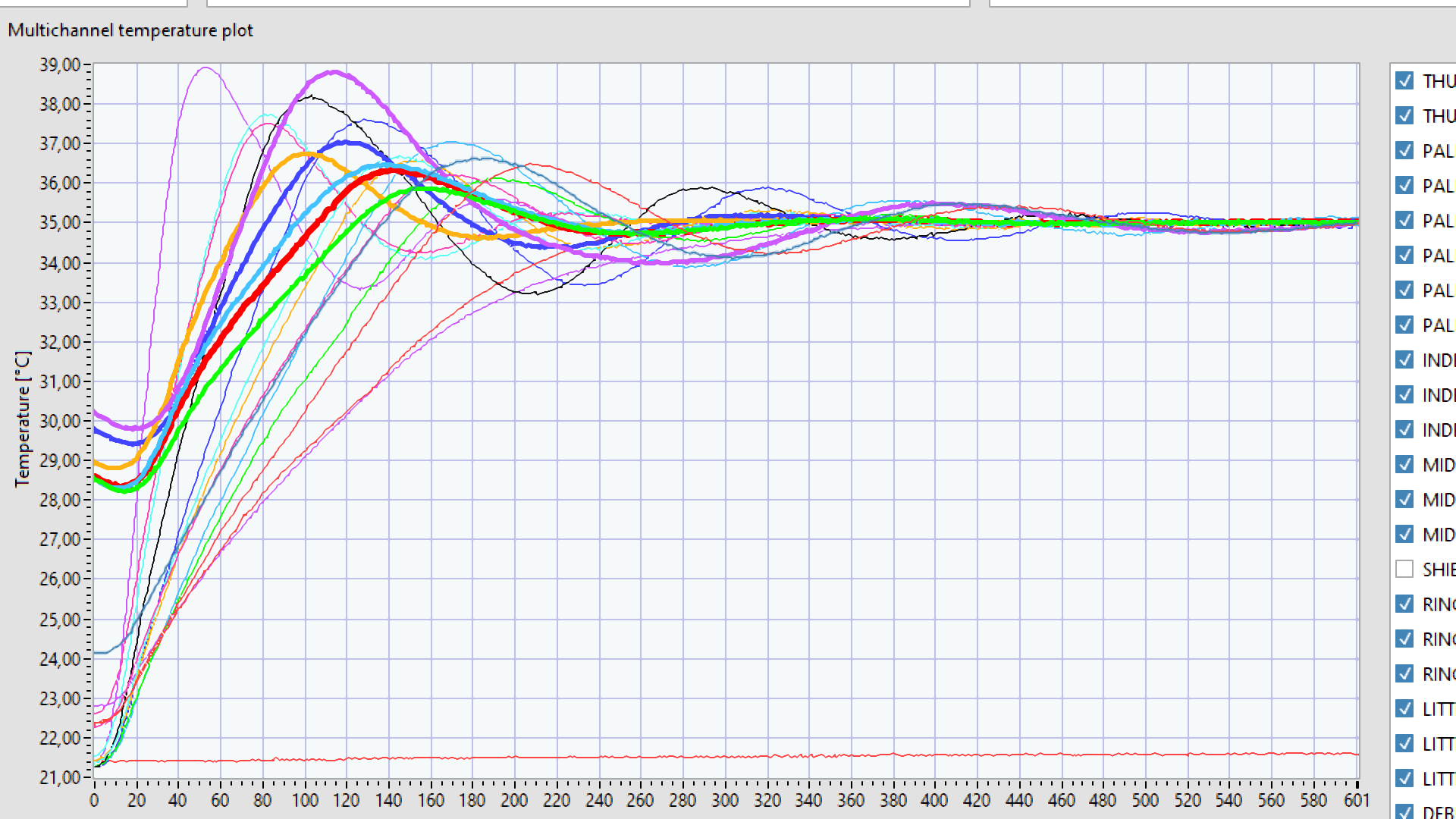
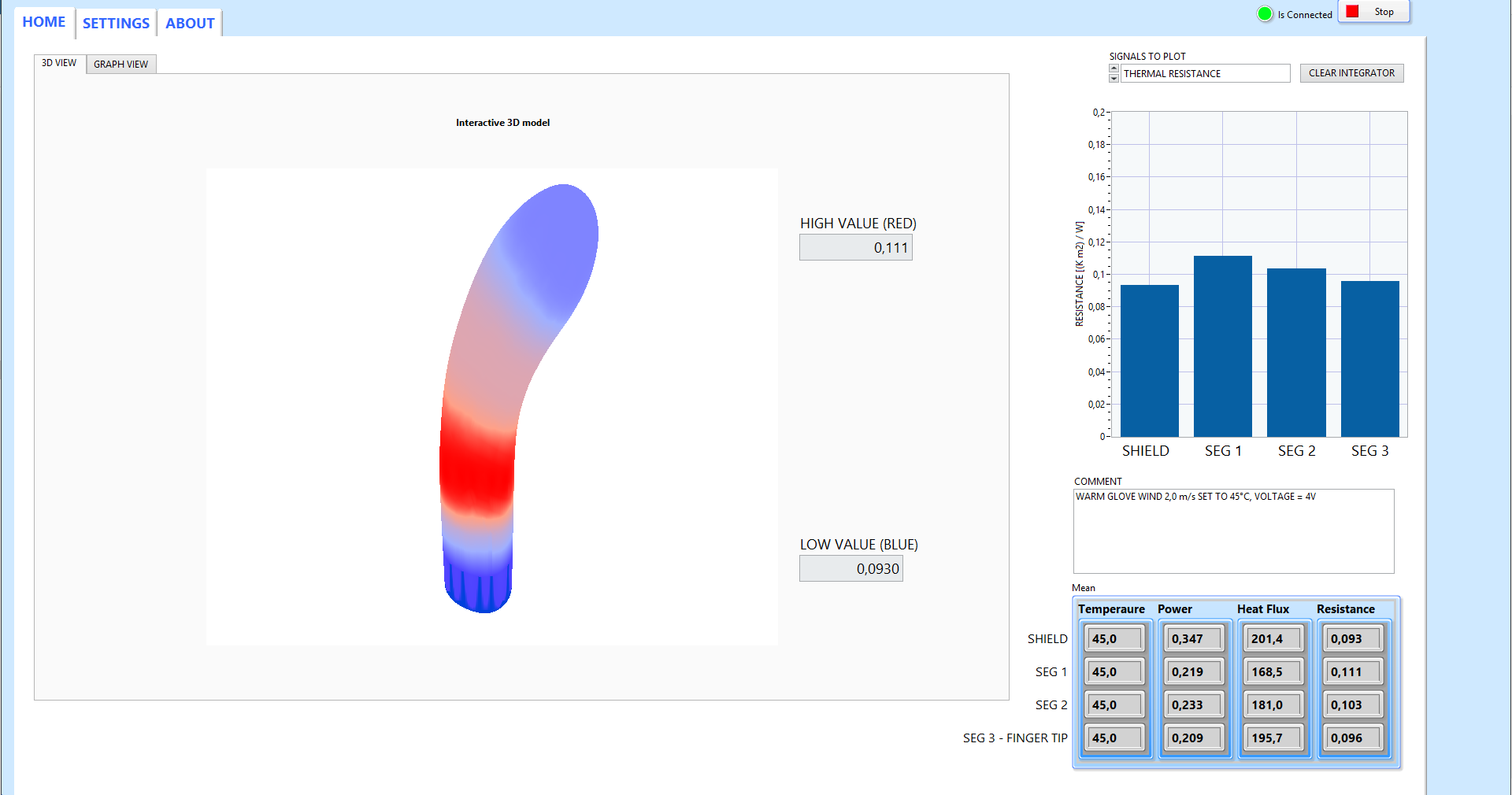
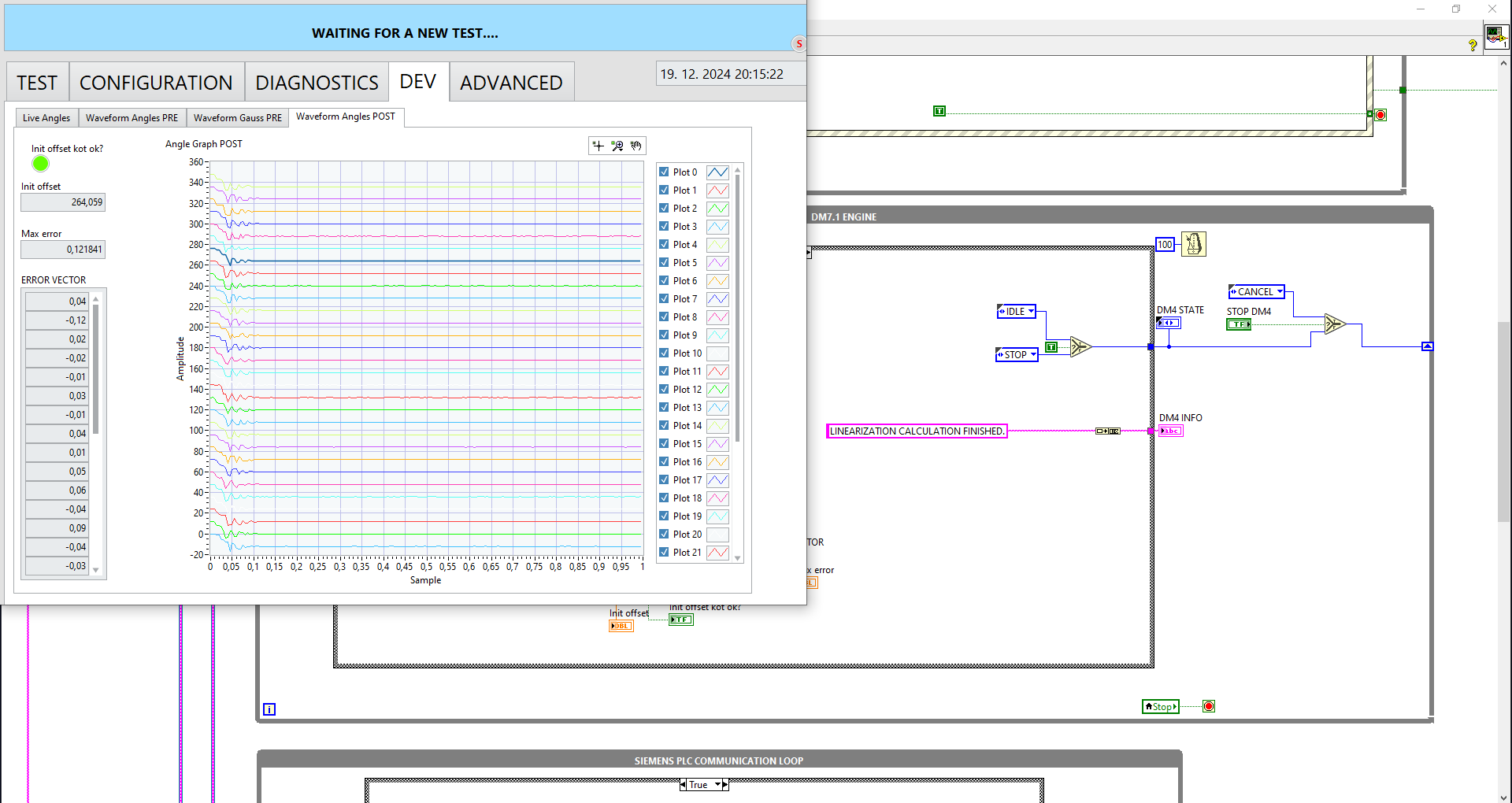
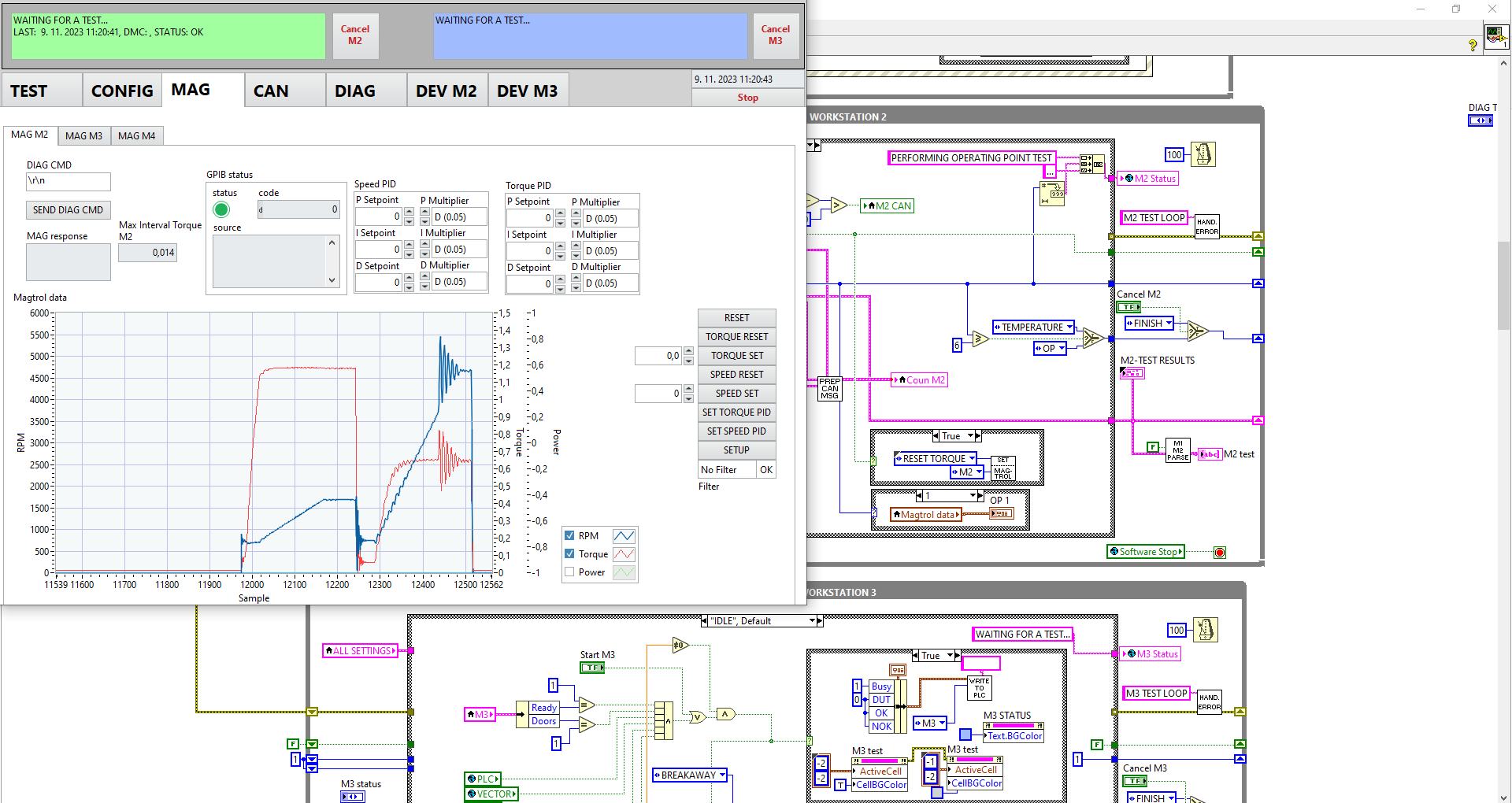
A few LabVIEW applications I built, with the block diagram open behind some of them. Customer details have been removed.
LabVIEW inside other Versarum projects
Marshalling yard control
Real-time controllers and an FPGA unit in a safety-critical railway system.
PCBA test station
NI PXI hardware and a universal LabVIEW application for in-circuit, functional and flashing tests.
Camshaft sensor tester
Hardware triggers and 40,000 encoder positions per turn, in a 10 second test.
Computer vision inspection
NI Vision and GigE cameras, configured for each product.
LabVIEW, NI and PXI are trademarks of NI. Versarum is an independent company, not part of NI.